debug
Shows which variables are assigned for use in the current template’s scope:
{% debug %}
Optionally, variable names can be provided to be debugged:
{% debug session_id q template zotonic_dispatch %}
By default, all key nodes are collapsed. Expanded, each node contains the value associated and highlighted as Erlang code:
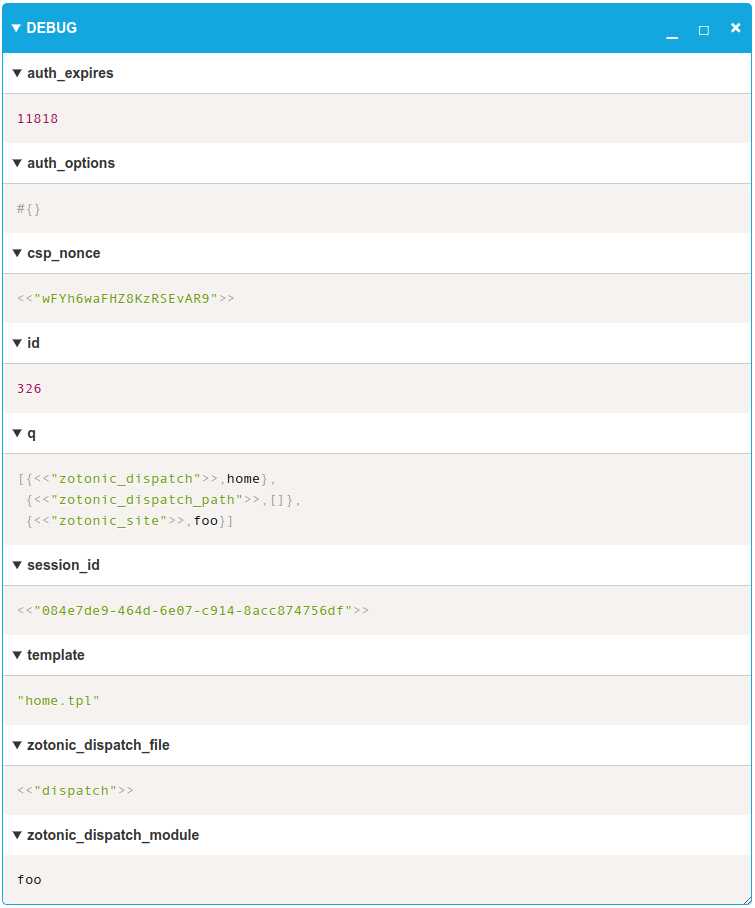
The debug scomp contains three buttons at the top right:
_: Collapse all key nodes;□: Expand all key nodes;×: Removes the debug element from the HTML document.
There is also a resizer at the bottom right corner to resize the debug element horizontally.