Publication dates
Understand the dates that control availability.
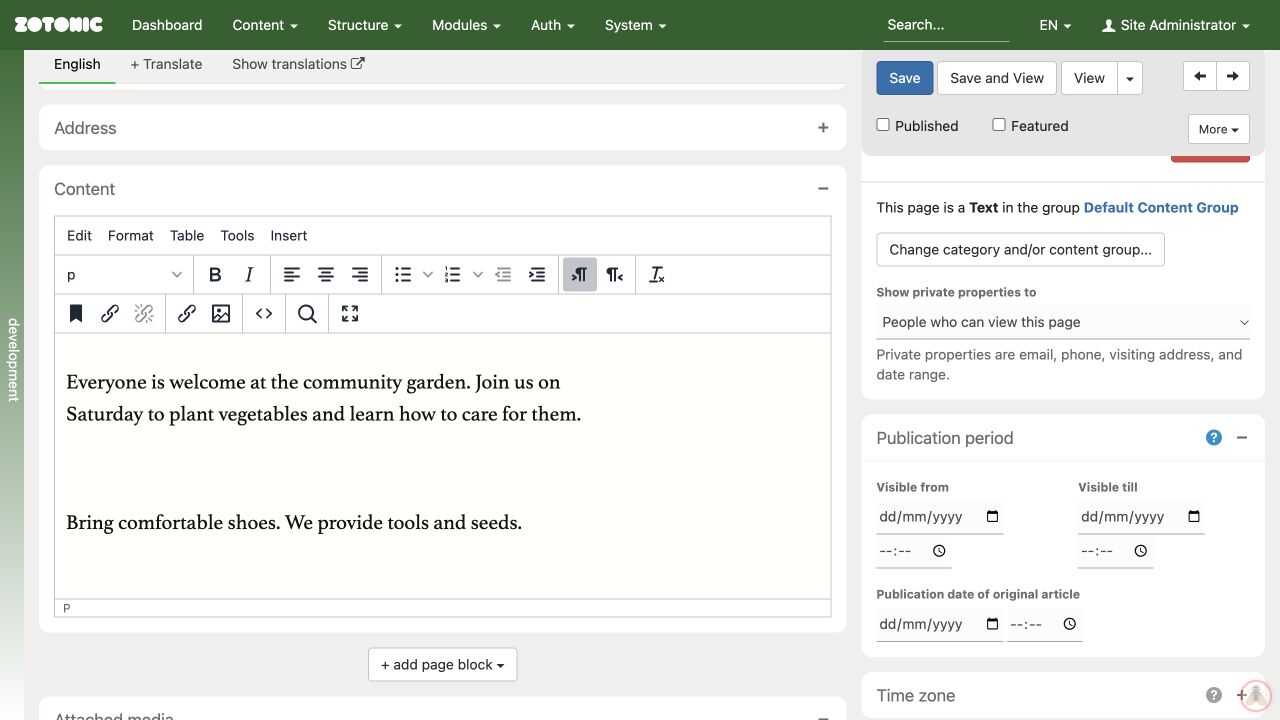
Open Settings & more → Publication period on the edit page.
- Visible from is the start of the publication period.
- Visible till is the end of the publication period.
- Publication date of original article records an original publication date; it does not replace the visibility period.
Check the date and time together. Use the page's Time zone panel if the timing is unclear. A future start or an expired end can keep a page from visitors even when Published is checked.
The separate Date range panel describes the content itself, such as an event's start and end. Changing an event date is not the same as scheduling publication.
After editing publication dates, click Save and check the result with a visitor account or private window.