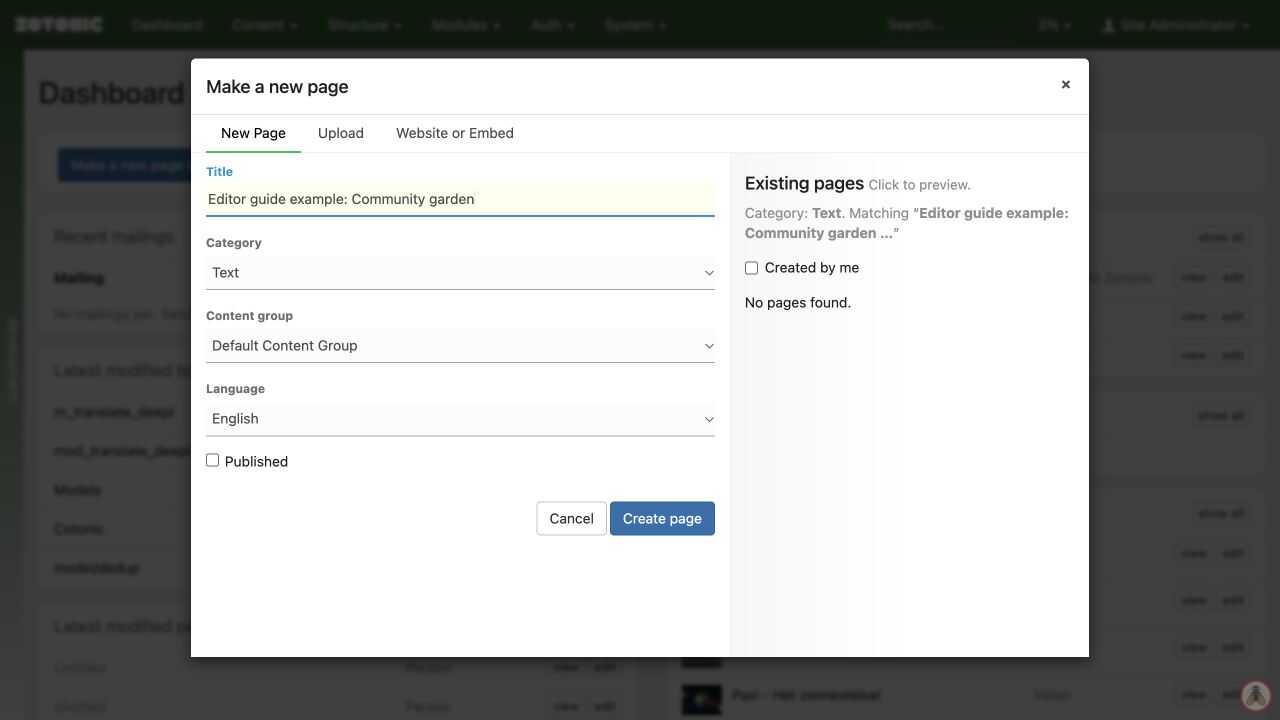
Creating a page
Start a new page with the right category and language.
- Click Make a new page or media on the dashboard or the creation button in a content overview.
- Enter the title. Check the suggested existing pages to avoid a duplicate.
- Choose the category that matches the content.
- If offered, choose the content group and language. Ask your website manager if you are unsure about the group.
- Leave Published unchecked while drafting.
- Click Create page, add your text, and Save.
The available categories depend on your permissions. Choose a category for what the content is, rather than where you want it to appear. Menus and collections handle placement.