Editing a page
Change existing content and check the result.
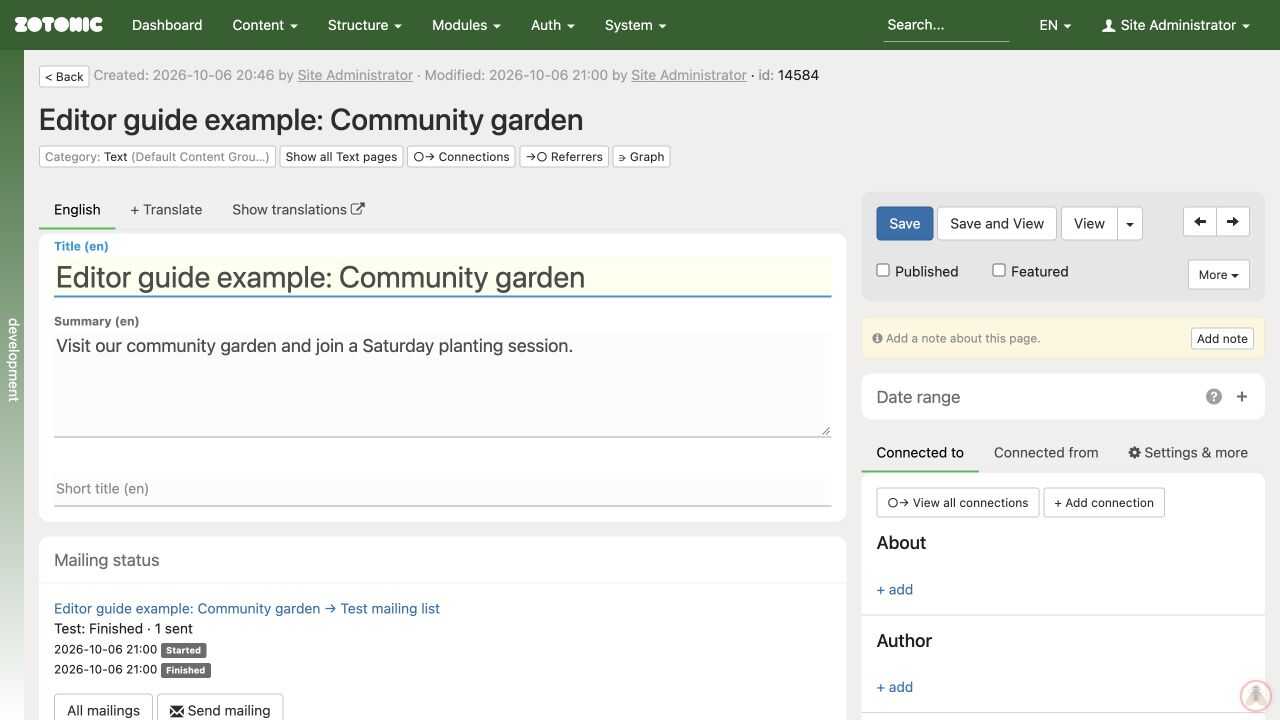
- Find the page in All pages and open it for editing.
- Check the title, category, and language tab.
- Change the fields you need.
- Click Save and wait for the saved confirmation.
- Click View, or use Save and View, to check the result on the website.
Changes in the form are not saved until you save them. Connections and menu changes can save separately, so do not assume that leaving the form cancels every action.
If the page is already published, saving can update the public version immediately. Agree on timing with other editors before making a major change. Zotonic does not provide a separate pending draft of every published page by default.
If saving reports an error, keep the form open and copy your new text somewhere safe before reloading. Resolve the reported problem and wait for a successful save. If another editor has changed the page meanwhile, compare their saved version before replacing it.