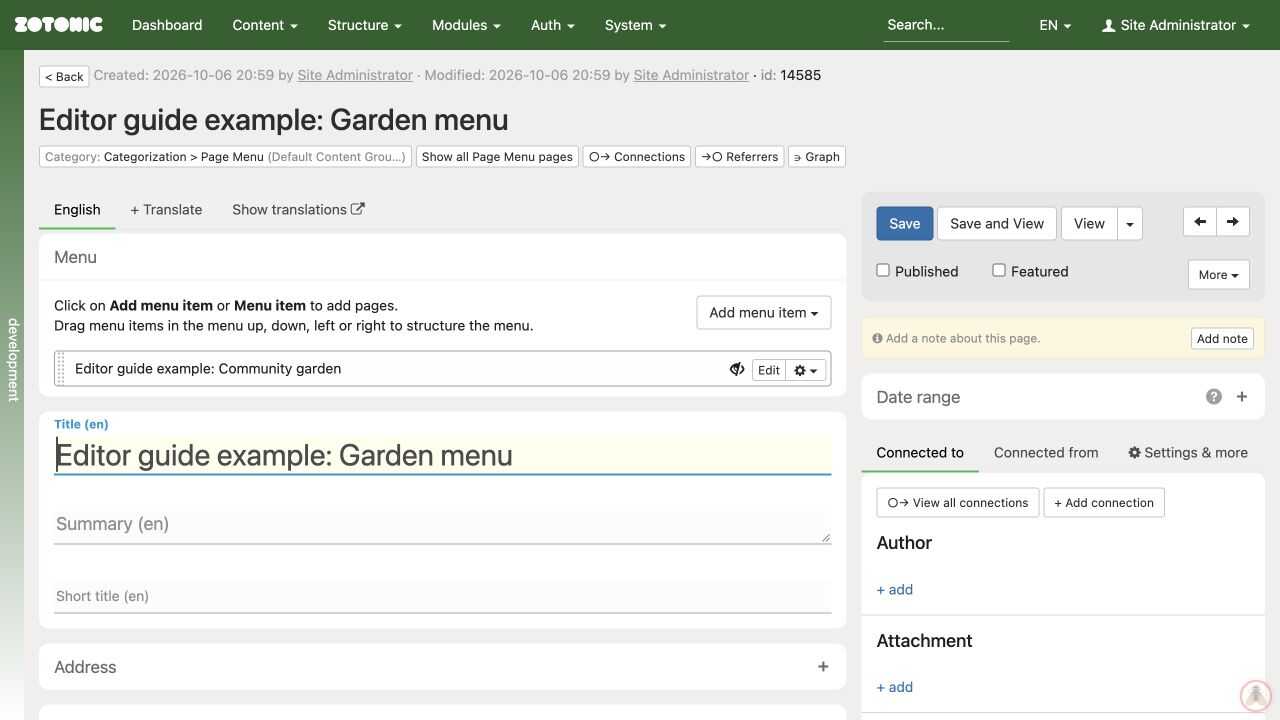
Editing the main menu
Find the menu that your website displays.
- Open Content → Menu if that shortcut is available, or find the menu page in All pages.
- Check that you are editing the main menu rather than a footer or another menu.
- Inspect the menu tree and add or move items as needed.
- Reload the editor to check the saved structure.
- Check the public navigation, including on a narrow screen.
Menu changes can be saved as you make them. Do not assume that closing the editor cancels a move.
Your site may use a different navigation setup. If there is no menu editor, ask your website manager which content controls navigation. Creating a menu resource alone does not make the website display it.