Sending a test mailing
Check an email with a small, controlled test.
- Save the content page and open its Mailing list panel under Settings & more.
- Choose Send test email, or use the test controls within the mailing dialog.
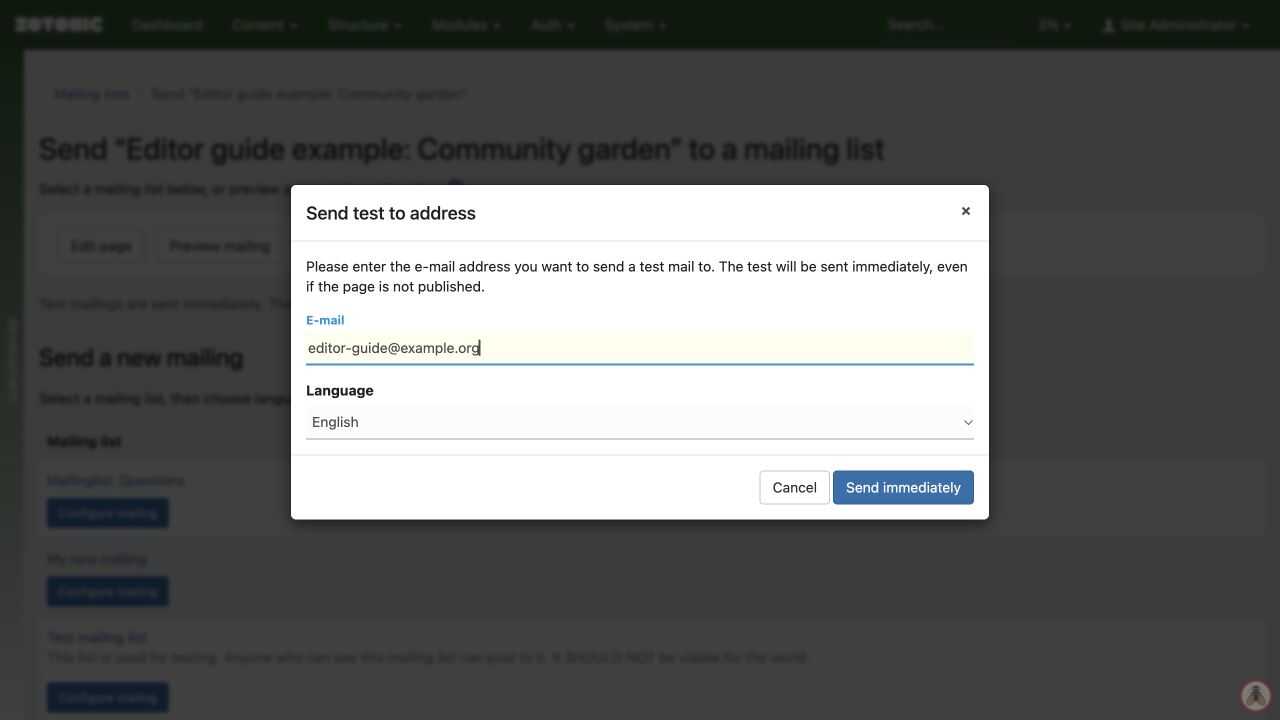
- Enter your test address and choose the language if offered.
- Send the test and inspect it in an email client.
- Check the title, text, images, links, layout, and footer. Correct the page and test again if needed.
A test can be sent immediately even when the page is unpublished, provided you can view it. A successful test does not prove that the full audience settings are right.
Before a full send, review the actual list, language selection, eligible count, previous-delivery option, and timing separately.