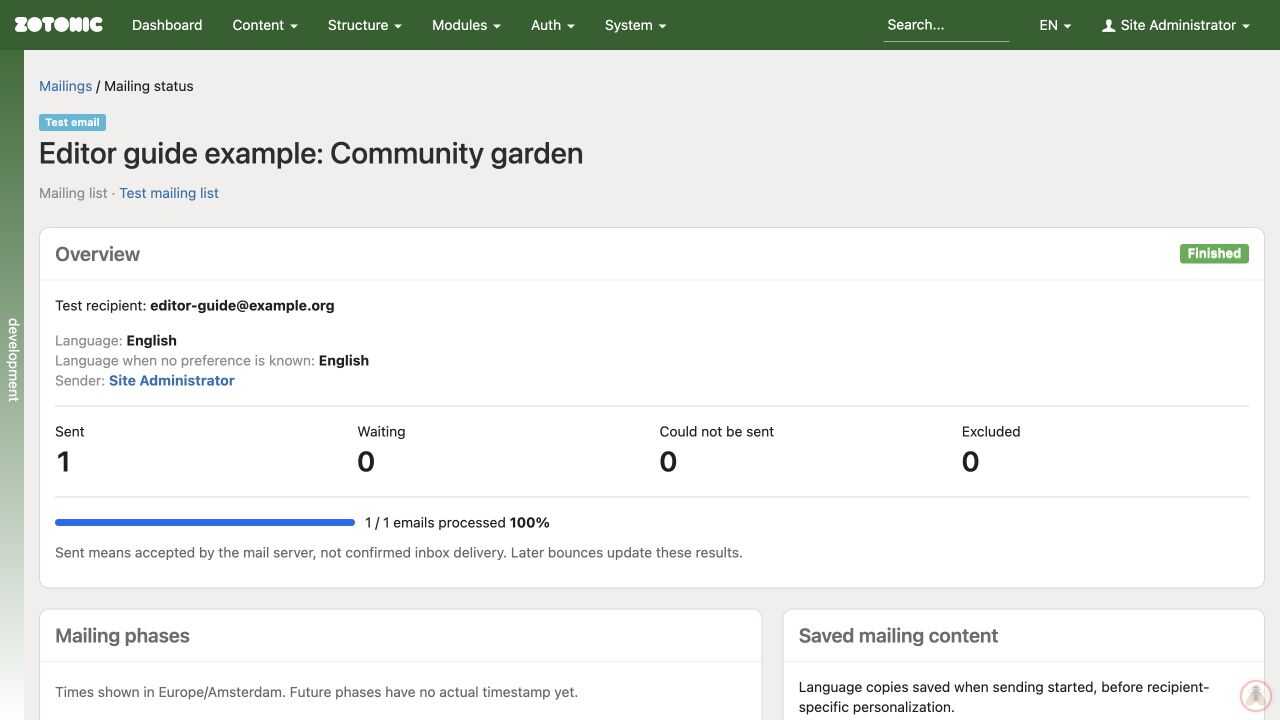
Checking mailing status
See what happened after a mailing was started.
- Open View mailing history from the page's Mailing list panel, or open All mailings from the dashboard.
- Select the relevant run, checking the page, list, language, and start time.
- Read its status, progress, and recipient outcomes.
- Inspect failures before retrying or sending again.
A queued message has not necessarily been sent. A message accepted by a mail server has not necessarily reached the inbox or been read. Use the labels and details on the run to distinguish those outcomes.
If retrying, review the previous-delivery options so people do not receive unintended duplicates. Give your website manager the run link and error details when delivery appears stuck or fails repeatedly.